The Psychology of Grid Coherence & DTC Merchant ROI
Unlike selling on Amazon or Etsy—where your listing is surrounded by competing vendor ads—your Shopify store is your brand's flagship digital boutique. You control the entire visual journey from first click to completed checkout.
The most common conversion killer for independent jewelry brands is treating each seasonal product launch as an isolated photoshoot. When your Spring collection is shot on warm cream linen under window light, and your Fall collection is shot on cold grey slate with strobes, your 'All Products' collection grid fractures.
In luxury e-commerce, visual inconsistency destroys merchant trust:
- Elevated Return Rates: When customer expectations are distorted by inconsistent color temperatures or mismatched zoom levels, return rates spike by up to 22%.
- Broken Collection Grids: Mismatched aspect ratios force Shopify theme cards into uneven masonry layouts, giving your storefront an unfinished, amateur aesthetic.
- Lost Mobile Checkouts: Over 74% of Shopify jewelry traffic originates on mobile devices. Shoppers expect seamless tap-to-zoom magnification that loads in milliseconds without layout shift.
Your primary objective as a DTC merchant is establishing a mathematically precise visual standard—a consistent Brand Kit—that scales across every SKU.
Shopify Jewelry Image Specification Breakdown
To deliver crisp zoom while maintaining instantaneous page speed, your asset pipeline must adhere to strict platform benchmarks:
| Specification Parameter | Primary E-commerce Standard | Alternate Lifestyle Variant | Business & Technical Rationale |
|---|---|---|---|
| Dimensions | 2048 × 2048 pixels | 1638 × 2048 pixels (4:5) | Triggers Shopify's native 2x magnifying hover zoom without blurriness. |
| Aspect Ratio | 1:1 Square | 4:5 Vertical Portrait | Universal compatibility with Shopify Dawn, Prestige, and Impact themes. |
| File Format | WebP (or optimized JPEG) | WebP (or optimized JPEG) | Served automatically via Shopify CDN with modern compression. |
| Target File Size | Under 500 KB | Under 650 KB | Prevents Largest Contentful Paint (LCP) delays; keeps page speed under 2.2s. |
| Background Color | Pure White (#FFFFFF) or #F8F9FA | Editorial / Brand Canvas | Seamless blend into modern DTC collection grid backgrounds. |
| Product Margins | 12% – 15% inner padding | 10% – 12% inner padding | Ensures jewelry pieces don't feel cramped or touch frame borders. |
The 4-Part Product Detail Page (PDP) Visual Stack
High-converting DTC jewelry stores don't rely on a single packshot. Every SKU should feature a curated 4-image visual stack that systematically answers buyer objections:
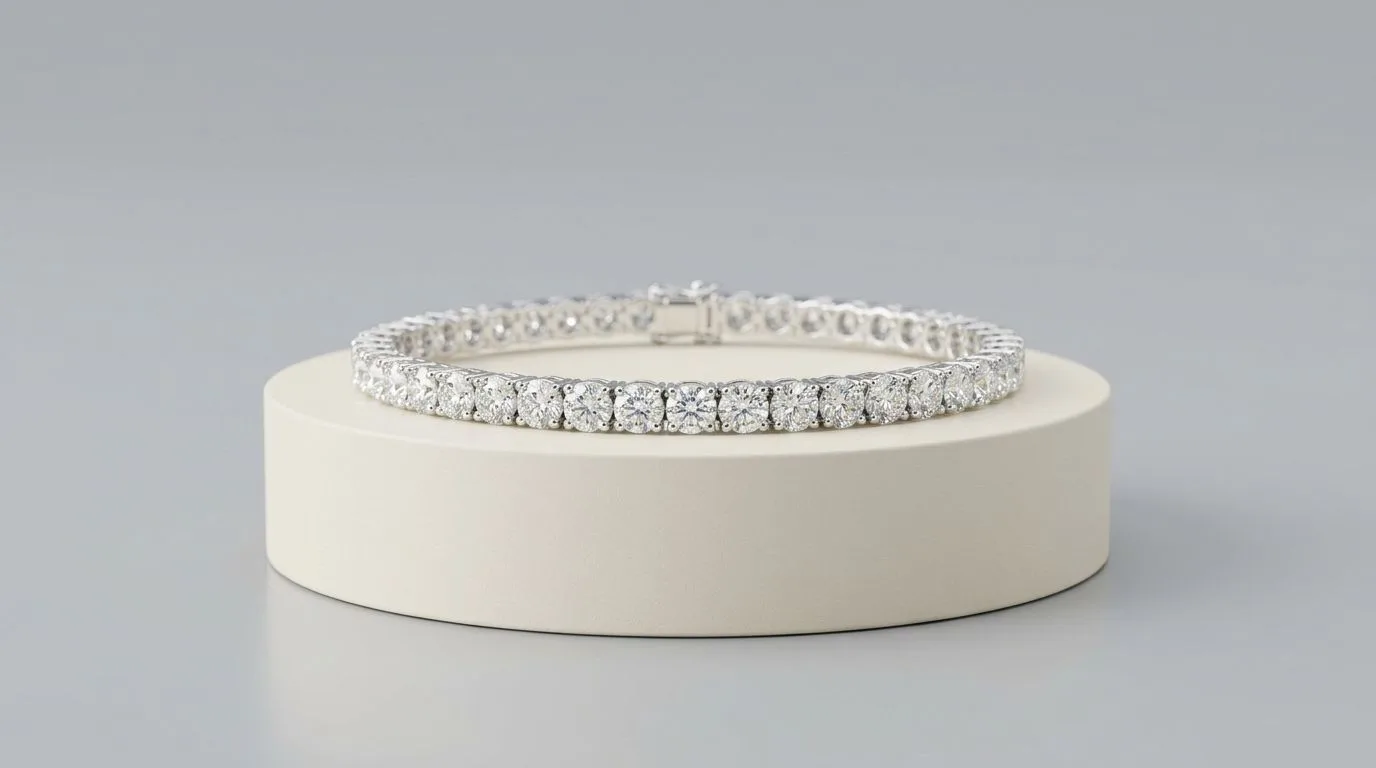
- Slot 1 — The Canonical Hero Packshot: Centered, 2048×2048px square crop on pure white (#FFFFFF) or your signature studio neutral. Features balanced specular highlights and grounded contact shadows.
- Slot 2 — The Macro Detail Crop: 1:1 true macro magnification focusing on prong settings, hallmark stamps, gemstone facet clarity, and clasp mechanics. Eliminates quality hesitation.
- Slot 3 — The On-Model Scale Reference: A contextual shot of the piece worn on a human ear, finger, neck, or wrist. Completely eliminates customer "scale doubt" regarding whether a pendant is delicate or chunky.
- Slot 4 — Packaging & The Unboxing Experience: The piece resting inside its luxury embossed presentation box, microfiber pouch, and certificate of authenticity. Positions the purchase as gift-ready.
The 4-Step Shopify Asset Workflow
1. Document Your Brand Kit Constraints
Before capturing a single frame, document your non-negotiables:
- Base Canvas: Pure white (#FFFFFF), warm neutral (#F9F8F6), or charcoal (#222222).
- Product Elevation: Choose flat lay, standing at a 45° angle, or vertical hanging.
- Lighting Mood: Soft commercial wraparound gradients vs. sharp luxury editorial shadows.
2. Lock the Capture Environment
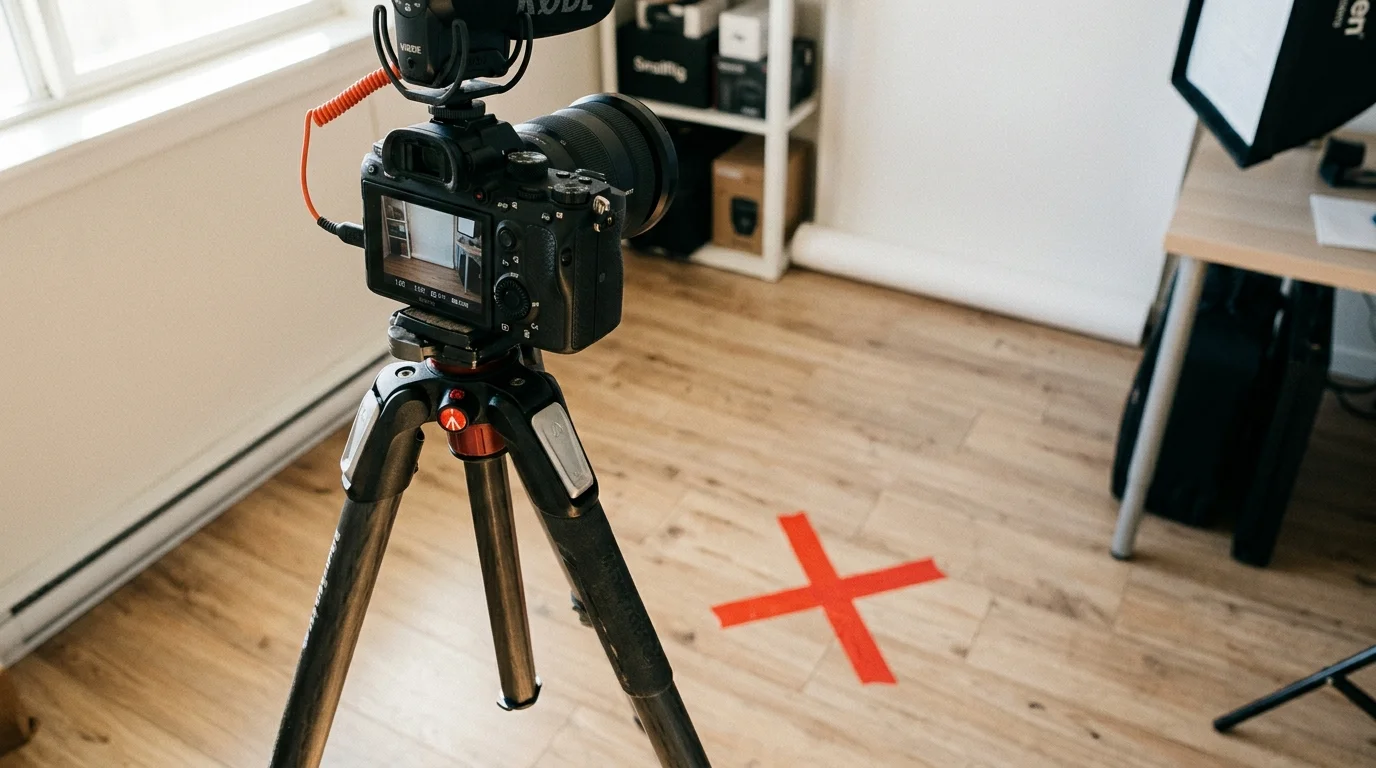
If shooting with physical studio gear, lock your camera onto a heavy-duty tripod with sandbagged legs. Tether directly into a laptop so you can overlay a digital grid template to center each ring or pendant at the exact same pixel coordinates.
3. Batch Color Calibration
Import your RAW captures into Lightroom or Capture One. White balance against an 18% neutral grey card, apply your custom lens profile correction to remove barrel distortion, and sync exposure across the entire collection.
4. Export & Shopify CDN Optimization
Export final assets at 2048×2048px. Shopify compresses uploads automatically, but feeding high-bitrate 10MB uncompressed files bloats storage and delays processing. Keeping source exports under 500KB ensures immediate CDN propagation and rapid mobile loading.

Scaling Grid Consistency with Hylo AI
Maintaining a physical studio setup for continuous product drops is logistically challenging and expensive. When a brand expands from 20 SKUs to 200 SKUs, physical re-shoots become a bottleneck.
In 2026, leading DTC jewelry merchants use Hylo to decouple catalog creation from physical studio constraints:
- Define Your Brand Profile: Lock your background hex code, shadow softness, and camera angle once inside Hylo.
- Capture Clean Source Assets: Take a sharp smartphone photo of each piece under diffuse room light.
- Batch Generation: Upload your catalog. Hylo's jewelry-tuned AI strips backgrounds, centers pieces with exact 15% padding, and renders studio lighting at 2048×2048px.
- Instant Rebranding: If you change your storefront theme from light to dark, regenerate your entire catalog with one click instead of rebooking a $3,000 studio shoot.
Merchandising Interactive Carousel Slots
Once your primary 2048×2048px hero packshot is locked, leverage Shopify's native collection features:
- Secondary Image Hover: Enable 'Show second image on hover' in your Shopify theme customizer, pointing to your on-model scale photo.
- Seamless 360° Video Loops: Upload a 5-second 1080p MP4 turntable loop into the Shopify media carousel for maximum buyer engagement.