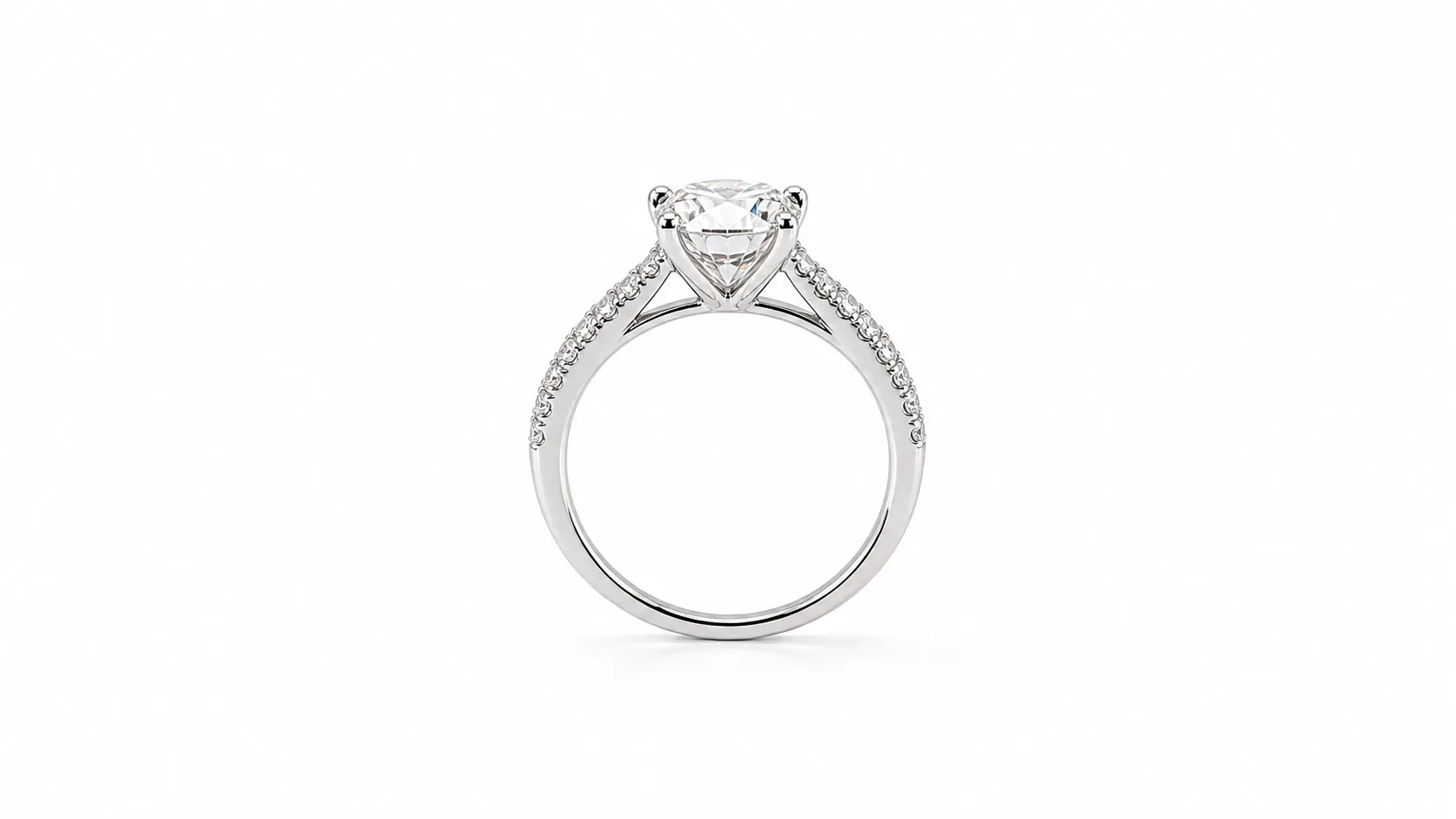
What is a True RGB 255 White Background Photo?
A white background photo—often termed an e-commerce packshot or isolated cutout—is an image where the subject is presented against a mathematically uniform, pure white backdrop.
In digital imaging, pure white has an exact technical definition:
- RGB Values: Exactly RGB (255, 255, 255) across all background pixels.
- Hex Code: #FFFFFF.
- CMYK Equivalent: 0%, 0%, 0%, 0%.
It is not off-white, light grey, ivory, or a physical studio paper sweep with visible texture and vignette shadows. It is an uncompressed, digitally pure white background engineered to blend seamlessly into marketplace and e-commerce product grids.
Marketplace Pure White Compliance Matrix
Major e-commerce platforms enforce automated computer vision algorithms that scan uploaded product images. If your background deviates from RGB (255, 255, 255), your listing can face silent search demotion or complete catalog suppression:
| Platform / Marketplace | Background Requirement | Color Deviation Allowed | Recommended Dimensions | Frame Fill % | Prohibited Elements |
|---|---|---|---|---|---|
| Amazon (Main Hero Image) | Pure RGB (255, 255, 255) | 0 Deviation (Strict) | 2000 × 2000 px (min 1600px) | 85% Minimum | No props, text, watermarks, inset images, mannequins, or packaging |
| Google Shopping & Free Listings | Pure white or solid neutral | Deviations flagged as "Promotional" | 1200 × 1200 px (min 800px) | 75% – 85% | No promotional badges, watermarks, borders, or low-contrast backgrounds |
| Shopify DTC Storefront | RGB 255 or Brand Standard (#F8F9FA) | Controlled by merchant brand | 2048 × 2048 px (1:1 square) | 80% – 85% | No inconsistent background hues across collection grid rows |
| Etsy (Main Listing Thumbnail) | Pure white or stylized clean | Flexible (White lifts CTR +18%) | 2000 × 2000 px | 70% – 85% | Overly cluttered backgrounds that obscure jewelry scale |
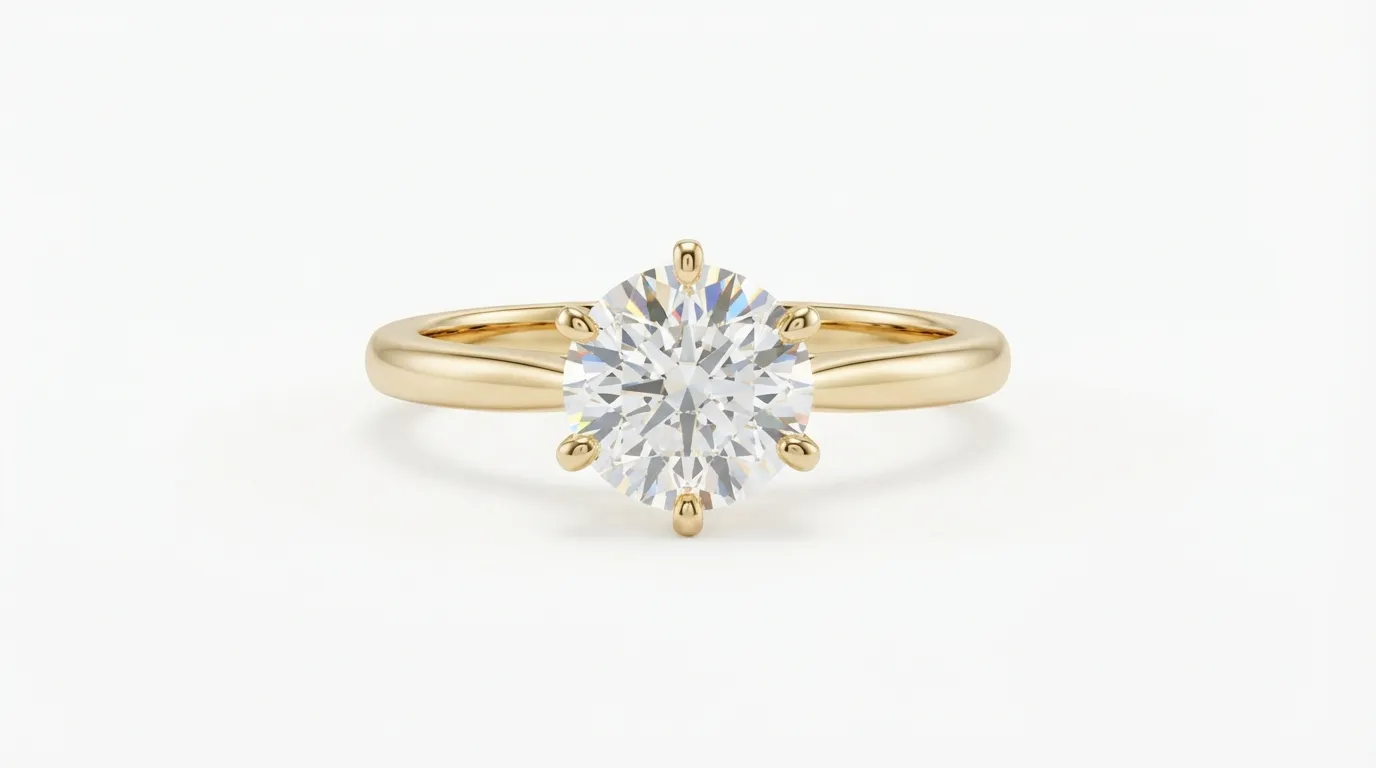
Quality Assurance & Testing Protocol: How to Verify RGB 255
Never trust visual inspection on an uncalibrated monitor. A monitor set to high brightness will make light grey (RGB 250) look like pure white, leading to automated marketplace rejections.
Follow this 3-step quality assurance verification protocol:
Step 1: The Eyedropper Point Sample Test
Open your exported image in Adobe Photoshop, Lightroom, or Photopea:
- Select the Eyedropper Tool and configure the sample size to Point Sample (or 3x3 Average).
- Open the Info Palette (
Window > Info) to display live RGB readout values. - Hover your cursor across all four corners of the canvas, the top and bottom edges, and the immediate perimeter around your jewelry piece.
- Verify that the readout displays R: 255, G: 255, B: 255 everywhere outside the product outline.
Step 2: The Curves Threshold Inspection Trick
To detect faint grey halos, compression artifacts, or smudges:
- Add a temporary Threshold Adjustment Layer above your product layer.
- Drag the threshold slider all the way to 254.
- Every pixel that is mathematically pure RGB 255 will render as pure white. Any pixel between RGB 250 and 254 will render pitch black.
- If you see black pixels floating in your background, your image is not compliant and will be flagged by Amazon's image bot.
Step 3: Contact Shadow Preservation vs. Artificial Floating
Amazon allows natural grounding shadows, whereas floating cutouts look clinical and fake:
- Compliant Shadow: A soft, semi-transparent grey shadow directly underneath the prongs or base where the ring makes physical contact with the sweep.
- Unacceptable Shadow: Hard, dark drop shadows or grey background gradients that spill beyond the jewelry contact patch into the outer margins.
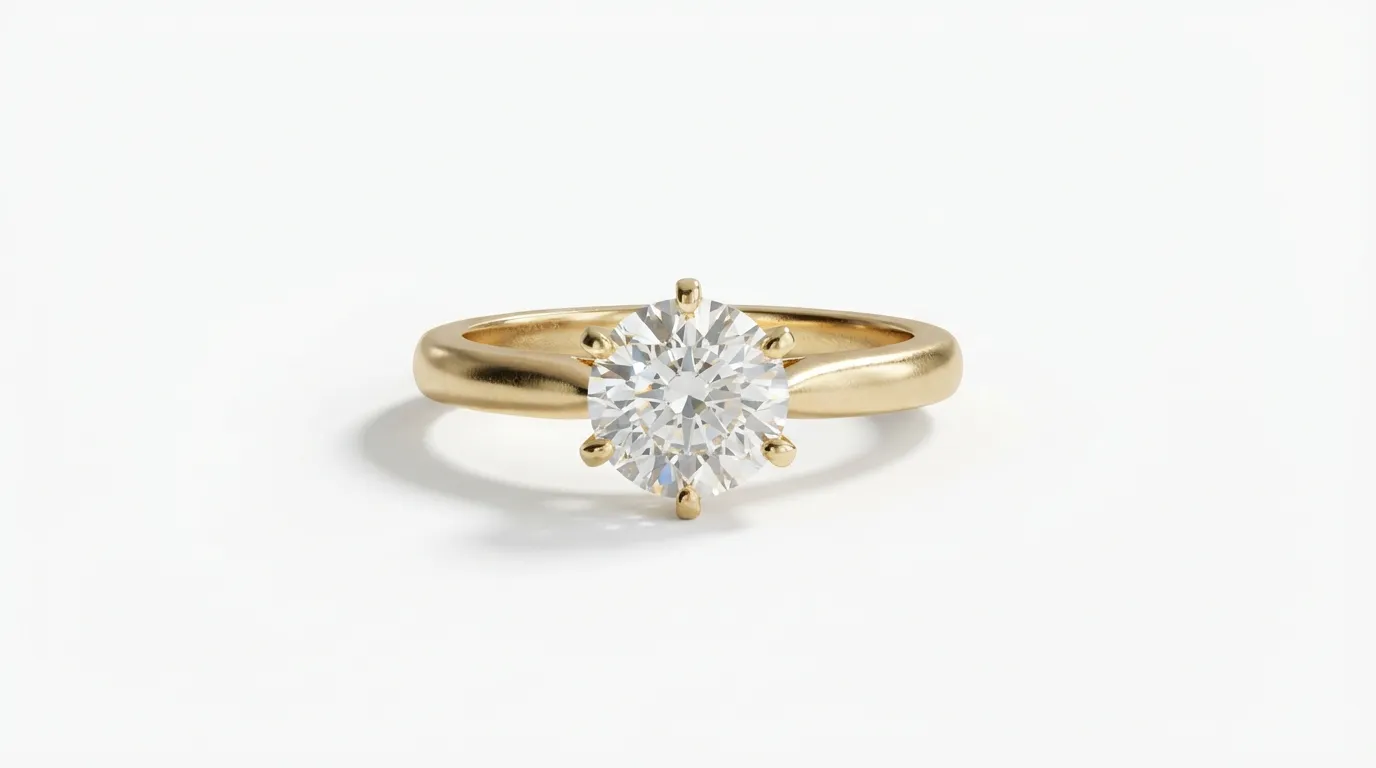
Traditional Studio Photography vs. 1-Click AI Cutout Compliance
Achieving true RGB 255 in a physical photo studio requires specialized equipment and lighting discipline:
The Physical Studio Approach
- Backlit Plexiglass Sweep: Place the jewelry on a translucent white acrylic table illuminated from underneath or behind.
- The 1.5-Stop Overexposure Rule: Meter your background light exactly 1.5 stops brighter than your key light illuminating the jewelry.
- Preventing Edge Flare: If the background is more than 2 stops brighter, light bleeds around the metal edges, washing out prongs and creating ugly lens flare.
- Manual Retouching: Even with a clean sweep, dust specks and holding wax require 15 to 30 minutes of pen-tool pathing in Photoshop to isolate the piece onto an RGB 255 canvas.

The Hylo AI Cutout Compliance Workflow
Instead of booking studio time or spending hours drawing Photoshop clipping paths, Hylo's jewelry-trained AI automates marketplace compliance:
- Upload any clear smartphone capture of your jewelry piece.
- Hylo identifies intricate gemstone facets, filigree cutouts, and chain links with sub-pixel precision.
- The background is instantly replaced with mathematically pure RGB (255, 255, 255) white.
- The engine synthesizes a subtle, physics-accurate grounding contact shadow beneath the piece, ensuring full Amazon and Google Shopping compliance in seconds.
Related E-commerce Visual Formats
- Packshot: The canonical industry term for a commercial product photograph isolated against a clean white or neutral studio backdrop.
- Lifestyle / Editorial: Contextual photography showing jewelry worn on a live model or styled with props. Sells emotion and brand prestige.
- Ghost Mannequin: Specialized apparel technique that removes visible stands; in jewelry, comparable to invisible nylon thread and wax removal.
- Flat Lay: Overhead 90° photography showcasing coordinated jewelry suites arranged across clean surfaces.