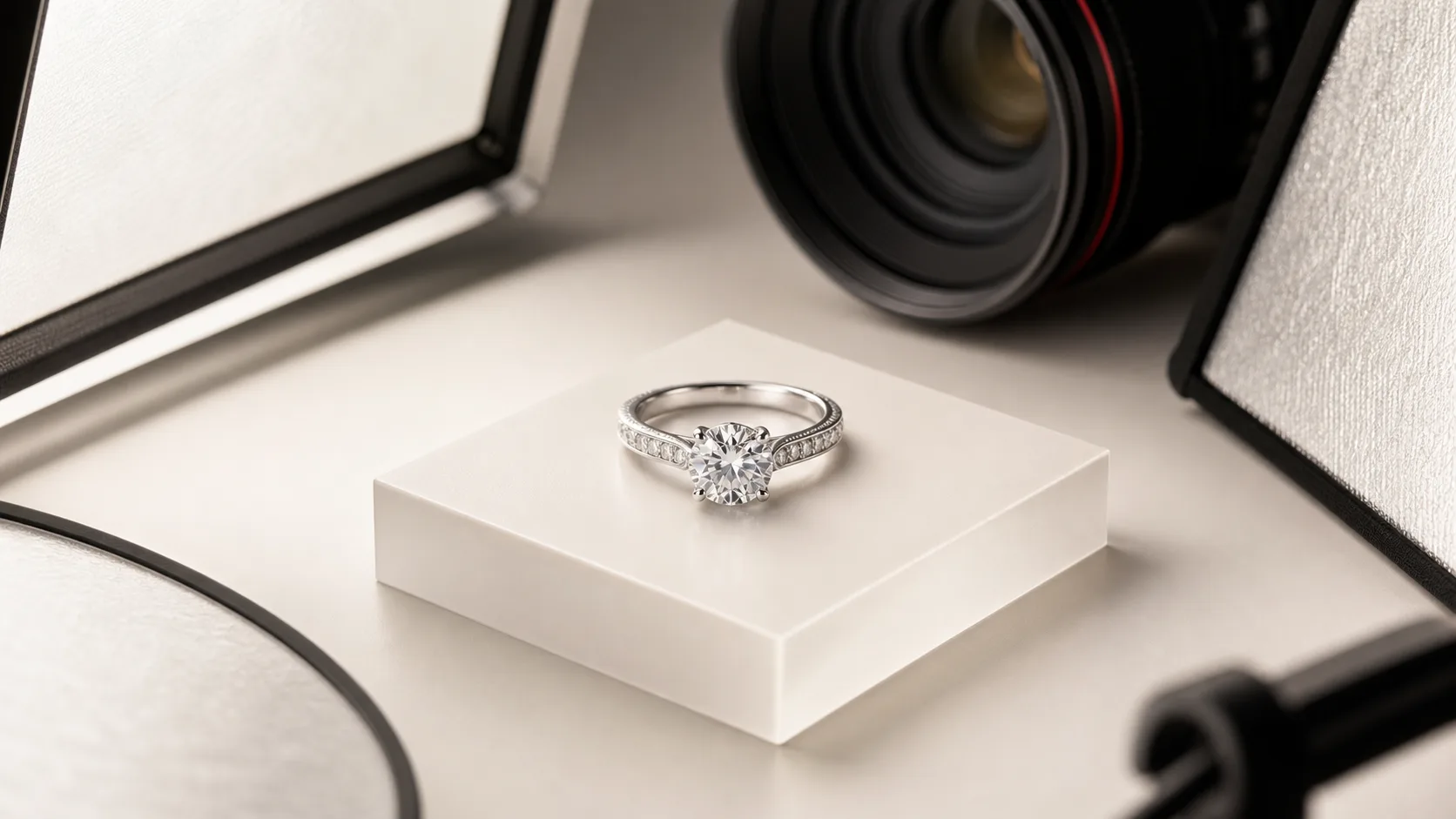
To photograph a ring with the clarity and commercial polish of a luxury jewelry brand, you must overcome three unforgiving physical realities: extreme macro magnification, razor-thin depth of field, and the mirror-like reflectivity of polished precious metals. A ring is not simply a product; it is a curved, three-dimensional mirror adorned with faceted crystals designed specifically to refract and bounce light in every direction.
When you position a true 1:1 macro lens just inches from a diamond solitaire or intricate eternity band, every speck of airborne dust resembles a boulder, depth of field shrinks to less than a single millimeter, and the polished gold or platinum band reflects everything in your studio—including your camera body, your light stands, and your own silhouette.
This master guide consolidates every discipline of professional ring photography into a unified, step-by-step production framework. Whether you are capturing pure white background (RGB 255) packshots for Amazon and Shopify, moody low-key editorial images for luxury ad campaigns, or on-hand scale imagery to eliminate customer sizing hesitation, this guide provides the exact camera settings, lighting blueprints, stabilization methods, focus stacking protocols, and post-production workflows required to achieve studio-grade results.
1. Executive Camera Settings Matrix
Achieving tack-sharp prongs, crisp hallmark engravings, and brilliant diamond fire requires precise exposure geometry. You cannot rely on camera auto-exposure or handheld shooting. In macro photography, aperture choices directly dictate diffraction penalties, while shutter speeds and ISO must be locked down to prevent noise and micro-vibration blur.
Below is the definitive camera settings reference matrix across the five primary ring photography production scenarios:
| Shooting Scenario | Camera System | Recommended Lens | Aperture (f-stop) | Shutter Speed | ISO | White Balance | Primary Lighting Setup | Focus Method |
|---|---|---|---|---|---|---|---|---|
| Pure White E-Commerce Packshot | Full-Frame DSLR / Mirrorless | 90mm–105mm Macro (1:1) | f/13 – f/16 | 1/125s (Strobe Sync) | 100 | 5500K Preset / Grey Card | 2x Strobes + Diffusion Cone + Backlit Plexiglass | Focus Stack (10–15 slices) |
| Continuous LED Studio Capture | High-Res Mirrorless | 100mm Macro (1:1) | f/11 | 1/30s – 1/60s | 100 | 5600K Custom | 2x 100W COB LED + Double Scrim + Fill Cards | Manual Focus Peaking Rail |
| Luxury Dark-Set Editorial | Full-Frame Mirrorless | 105mm Macro (1:1) | f/11 – f/14 | 1/160s (Strobe Sync) | 100 | 5400K | Key Gridded Stripbox + Overhead Snoot + Black Flags | Focus Stack (12–18 slices) |
| On-Model Hand & Lifestyle Scale | Full-Frame DSLR / Mirrorless | 85mm – 90mm Macro | f/5.6 – f/8 | 1/200s – 1/250s | 200 – 400 | Daylight (5500K) | Large 90cm Octabox + Silver Reflector | Eye / Subject Tracking AF |
| Smartphone Pro-Mode Setup | iPhone 15/16 Pro or Pixel 8/9 Pro | Main 1x Sensor (2x Lossless Crop) | Fixed f/1.78 | 1/120s | 50 – 80 | 5500K Locked | Tabletop Light Box / LED Ring + Front Shield | Manual AF Slider + ProRAW |
The Core Principles of Macro Exposure
- Native Base ISO (ISO 100): In macro ring photography, you are capturing microscopic details of prong settings, diamond pavé, and metal grain. Never raise your ISO to compensate for insufficient light. Always maintain native ISO (typically 100, or 64 on select Nikon systems) to preserve maximum dynamic range and prevent chromatic shadow noise in dark metal reflections.
- The Diffraction Sweet Spot (f/11 to f/16): It is tempting to stop your macro lens down to f/22 or f/32 in an attempt to capture the entire ring in a single shot. Do not do this. On full-frame sensors with 24 to 60 megapixels, optical diffraction begins softening fine details past f/13. Shooting at f/11 to f/16 delivers the optimal balance of depth of field and optical resolution. To capture front prongs, the center stone, and the rear band in crisp focus, use focus stacking rather than excessive aperture narrowing.
- Strobe Synchronization (1/125s to 1/160s): Studio strobes freeze all micro-motion and eliminate the influence of ambient room light (such as overhead tungsten or fluorescent ceiling bulbs). Keep your shutter speed at your camera's native sync speed (usually 1/125s or 1/160s). Because strobes deliver an intense burst of light in 1/2000s of a second, the flash duration itself freezes the frame.
- Color Calibration via 18% Grey Card (5500K): White balance errors are the number one cause of customer returns in fine jewelry e-commerce. An engagement ring photographed with an unintended green or warm tint can make 18K white gold appear like tarnished silver, or 14K yellow gold appear brassy. Set a custom white balance using an 18% neutral grey card under your active studio lights before every shoot.
2. Essential Studio Equipment Checklist
You do not need a multimillion-dollar commercial studio to photograph rings at a luxury standard, but you do need specialized grip and macro optical gear. General-purpose portrait equipment or standard zoom lenses cannot resolve microscopic gemstone facets or isolate small shanks without extreme digital cropping.
1. Camera Body and True 1:1 Macro Lens
A full-frame sensor (such as the Sony A7R series, Canon EOS R5, or Nikon Z7/Z8) provides the resolving power and cropping latitude needed for high-resolution e-commerce catalogs. Pair the body with a dedicated telephoto macro lens featuring a 1:1 reproduction ratio (such as the Sony FE 90mm f/2.8 Macro G OSS, Canon RF 100mm f/2.8L Macro IS USM, or Nikon NIKKOR Z MC 105mm f/2.8 VR S). A 90mm–105mm focal length provides approximately 12 to 18 inches of working distance between your front lens element and the ring. This distance is vital: standard 50mm lenses force you to place the camera so close to the ring that the lens itself blocks your studio lighting.
2. Heavy-Duty Tripod and Geared Head
Handheld ring photography is impossible at true macro distances. At 1:1 magnification, your heartbeat and respiration produce visible camera shake. Mount your camera on a heavy-duty tripod with zero center-column wobble (e.g., Manfrotto 055 or Gitzo Systematic). Replace standard ball heads with a 3-way geared head (such as the Manfrotto 410 Junior or Arca-Swiss Core D4). Geared heads allow you to turn micrometric knobs to tilt the sensor by fractions of a millimeter, ensuring the camera sensor is perfectly perpendicular to the ring's face. For vertical or top-down angles, utilize a tripod with a 90-degree horizontal boom arm.
3. Lighting Heads and Modifiers
- Two Monolight Strobes (300Ws to 500Ws): Strobes provide consistent color temperature (5500K ±50K) and sufficient power to shoot at f/13 and ISO 100 without long exposures.
- Translucent Diffusion Cones & Double Scrims: Standard softboxes produce hot spots on reflective gold and platinum. Professional jewelry shooters diffuse strobe heads through translucent matte drafting film, Savage Translum sheets, or specialized white diffusion cones that wrap 360 degrees around the ring.
- Sparkler / Fiber-Optic Pin-Light: Diamonds require hard, directional light to exhibit sparkle. A focused LED snoot or fiber-optic point-light positioned above the diamond crown generates brilliant prismatic flares without washing out metal highlights.
4. Grip, Mounting, and Hygiene Tools
- Neutral Prop Wax / Museum Putty: Translucent white holding wax to anchor the ring upright on slippery acrylic or stone surfaces.
- Acrylic Sweeps and Glass Risers: 12×12 inch sheets of scratch-free white gloss and matte milk acrylic.
- Black and White Foamcore Flags: 4×6 inch cards used to bounce white light into shadows or create black definition lines along polished metal rims.
- Micro-Stylus & Tweezers: Precision jewelry tweezers to manipulate rings without leaving fingerprints.
- Cleaning Arsenal: Canned filtered air, an antistatic sensor brush, lint-free microfiber cloths, and cotton handling gloves.
3. Ring Stabilization & Upright Positioning
A ring is bottom-heavy or top-heavy depending on the size of the center stone, and its curved shank makes balancing it unsupported on a flat surface nearly impossible. The secret to an upright studio packshot lies in micro-stabilization that remains completely hidden from the camera's perspective.
The Micro-Dot Wax Protocol
- Prepare the Wax Sphere: Pinch off a tiny fragment of neutral white holding wax (such as wax putty or dental casting wax). Roll it between your gloved fingertips until it forms a sphere no larger than a sesame seed. Avoid blue sticky tack or colored adhesives, as their color will bleed into reflective gold and silver bands.
- Affix to the Underside of the Shank: Place the wax dot directly onto the bottom exterior curve of the ring's band.
- Anchor to the Shooting Surface: Using tweezers, set the ring upright on your acrylic or stone sweep. Gently press down on the band until the wax flattens out beneath the contact point.
- Inspect from the Camera Angle: Look through your camera's live view monitor at 100% zoom. Ensure the wax does not squeeze out laterally past the edges of the shank. If wax bulges past the metal rim, use a wooden toothpick or dental carver to scrape away the excess. Any microscopic wax remaining beneath the contact footprint can be removed in Photoshop during post-production.
Guarding Against Heat Slump
If you are shooting under hot halogen modeling lamps or high-wattage continuous LED fixtures, the heat generated inside an enclosed diffusion cone will soften the wax over time. A ring that was upright when you framed your composition can begin tilting by 2 to 3 degrees over a 15-minute shoot, ruining a focus stack sequence.
- Keep modeling lamps turned down to minimum brightness during staging.
- Switch to strobe flash for the exposure itself.
- For heavy cocktail rings or multi-carat solitaire rings, utilize an acrylic ring clip or a slotted acrylic block hidden directly behind the band, cloning out the support in post-production.
4. Studio Lighting & Glare Elimination
Precious metals—including 14K/18K yellow gold, rose gold, 925 sterling silver, and platinum—are optical mirrors. They do not possess a matte surface texture that absorbs light; instead, every point on their curved surface reflects the environment surrounding it according to the law of reflection: the angle of incidence equals the angle of reflection.
If your studio contains dark walls, black ceiling tiles, light stands, and a photographer dressed in dark clothing, your ring band will reflect those dark elements, resulting in ugly black blotches across the metal shank. Conversely, if you point an unmodified bare flash directly at a ring, it produces a blown-out specular highlight (a hot spot) surrounded by dull, muddy shadows.
The Translucent Diffusion Cone Blueprint
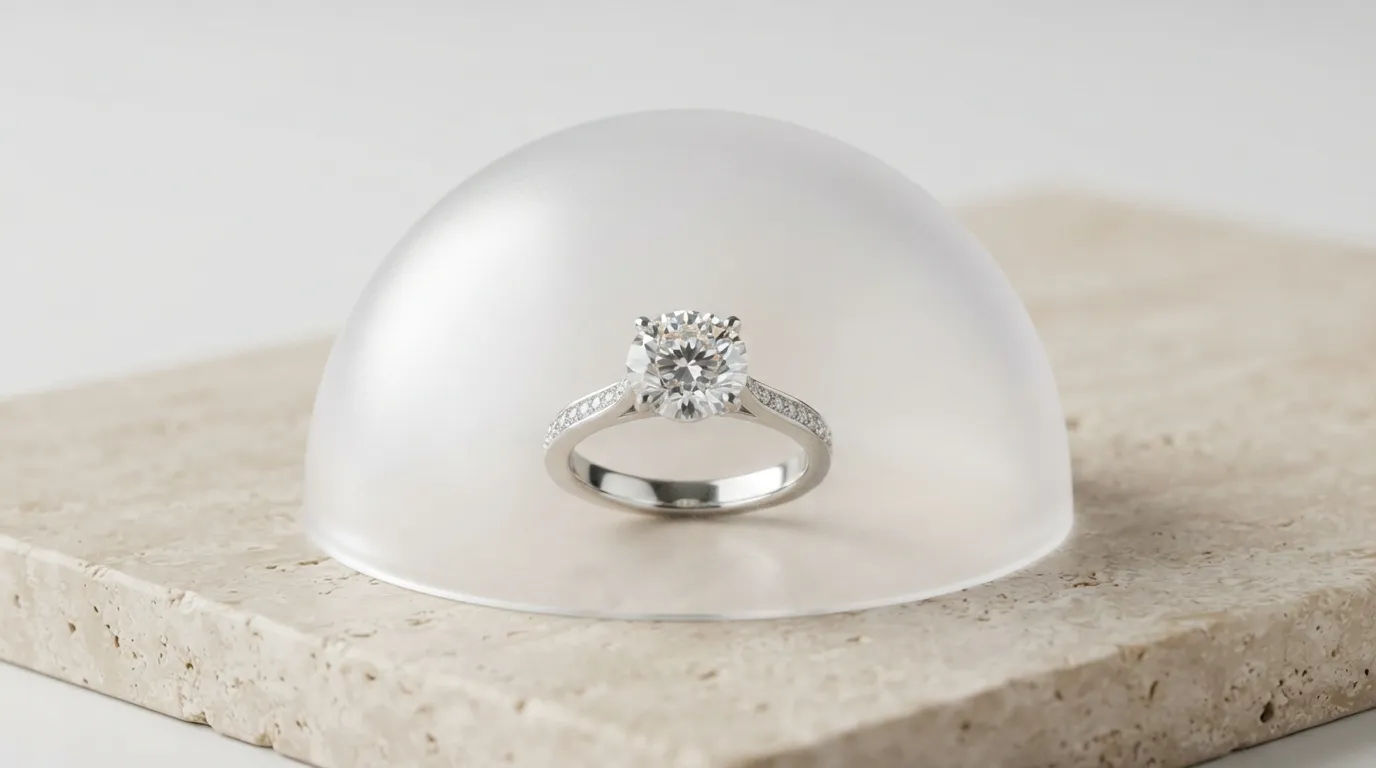
The industry standard solution for ring lighting is full 360-degree diffusion:
- Construct a Cone or Tunnel: Cut a sheet of heavyweight translucent diffusion material (such as Savage Translum Medium) into a truncated cone or open cylinder. Place this cone directly over the stabilized ring on your shooting table.
- Position Key Strobes Externally: Place two strobe monolights outside the diffusion cone, aimed inward at 45-degree angles to the ring. Because the light passes through the frosted translum, the entire interior of the cone becomes a seamless, glowing white dome.
- Shape the Highlights: By shifting the distance of the external strobes relative to the cone, you control the gradient across the metal band. Bringing the lights closer produces crisp, bright highlight bands along the shank; pulling them back creates a soft, luxurious champagne sheen.
The Camera Shield (Lens Donut)
When you point your camera down into the diffusion cone, the dark glass of the lens and the black plastic of the camera body are reflected directly in the center of the ring's face, creating a distracting black circle known as the "black hole effect."
- Cut a 10×10 inch square of rigid white foamcore board.
- Cut a circular hole in the center exactly matching the outer diameter of your macro lens hood.
- Slide this white card onto the front of your lens.
- When the camera peers into the diffusion cone, the ring reflects the white foamcore card rather than the dark camera body, immediately eliminating the dark reflection.
Black Flags for Metal Edge Definition
While wrapping a ring in 100% white diffusion eliminates glare, it introduces a new problem: the metal can look flat, washed out, and two-dimensional. A platinum or white gold ring photographed inside a pure white tent often looks like grey plastic because it lacks edge contrast. To restore three-dimensional depth, introduce two narrow strips of black cardboard (black flags) inside the cone, placed just outside the camera's field of view along the left and right flanks. The polished edges of the ring will catch the black reflection, creating crisp dark accent lines that define the curvature and architecture of the band.
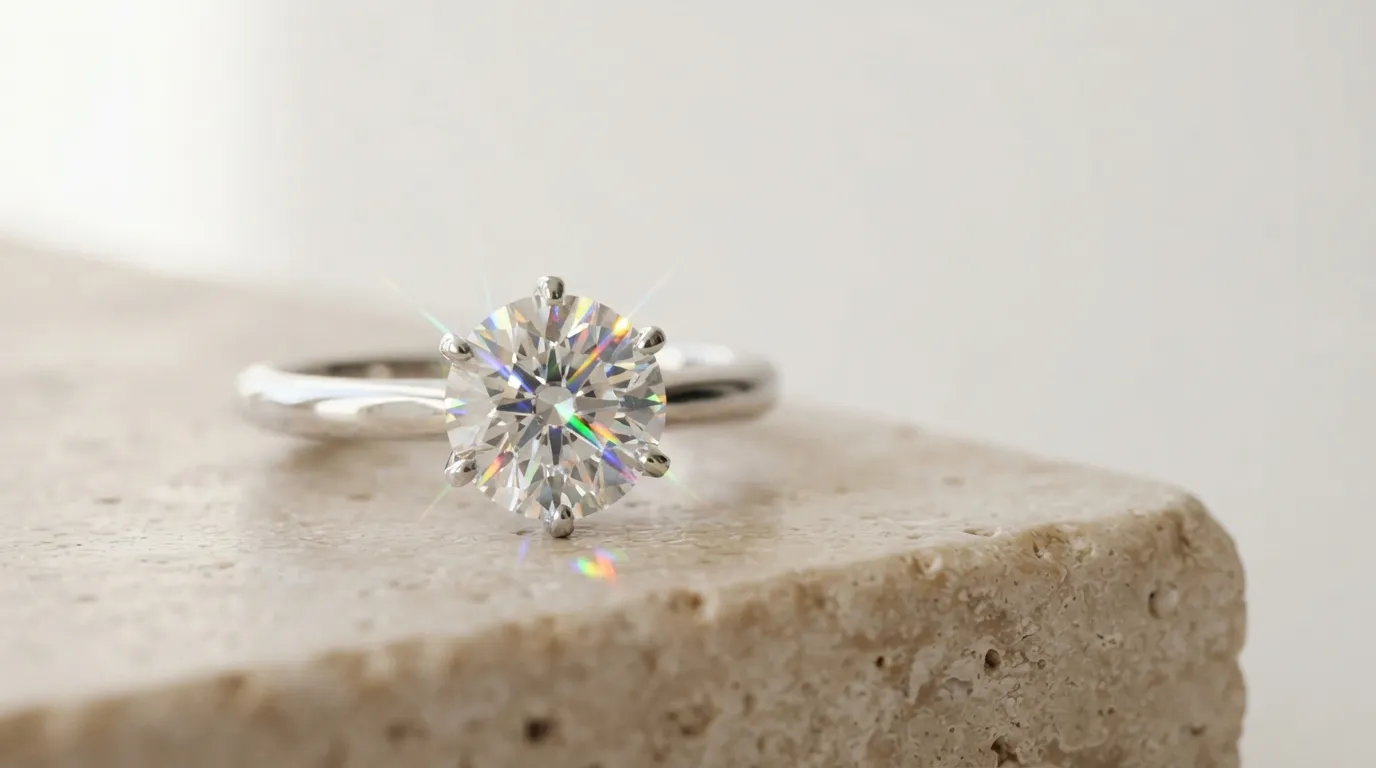
Igniting Diamond Fire with a Sparkler Point-Light
Soft diffused lighting makes metal look magnificent, but it kills diamonds. A diamond's brilliance depends on facet reflections, while its fire (dispersion) depends on splitting white light into rainbow spectral colors. Inside a soft diffusion cone, a diamond appears like a dull cube of glass because there is no hard directional light to refract through the crown facets.
To ignite diamond sparkle:
- Cut a small nickel-sized hole in the top of your diffusion cone directly above the diamond's table facet.
- Aim an undiffused, hard point-light (such as an LED flashlight, a bare fiber-optic snoot, or an off-camera strobe with a 10-degree grid) down through the hole directly onto the center stone.
- The hard ray of light penetrates the diamond's crown, bounces off the pavilion facets, and exits as sharp prismatic sparks without washing out the smooth gradients on the metal band below.
5. Pure White Background (RGB 255) Packshot Workflow
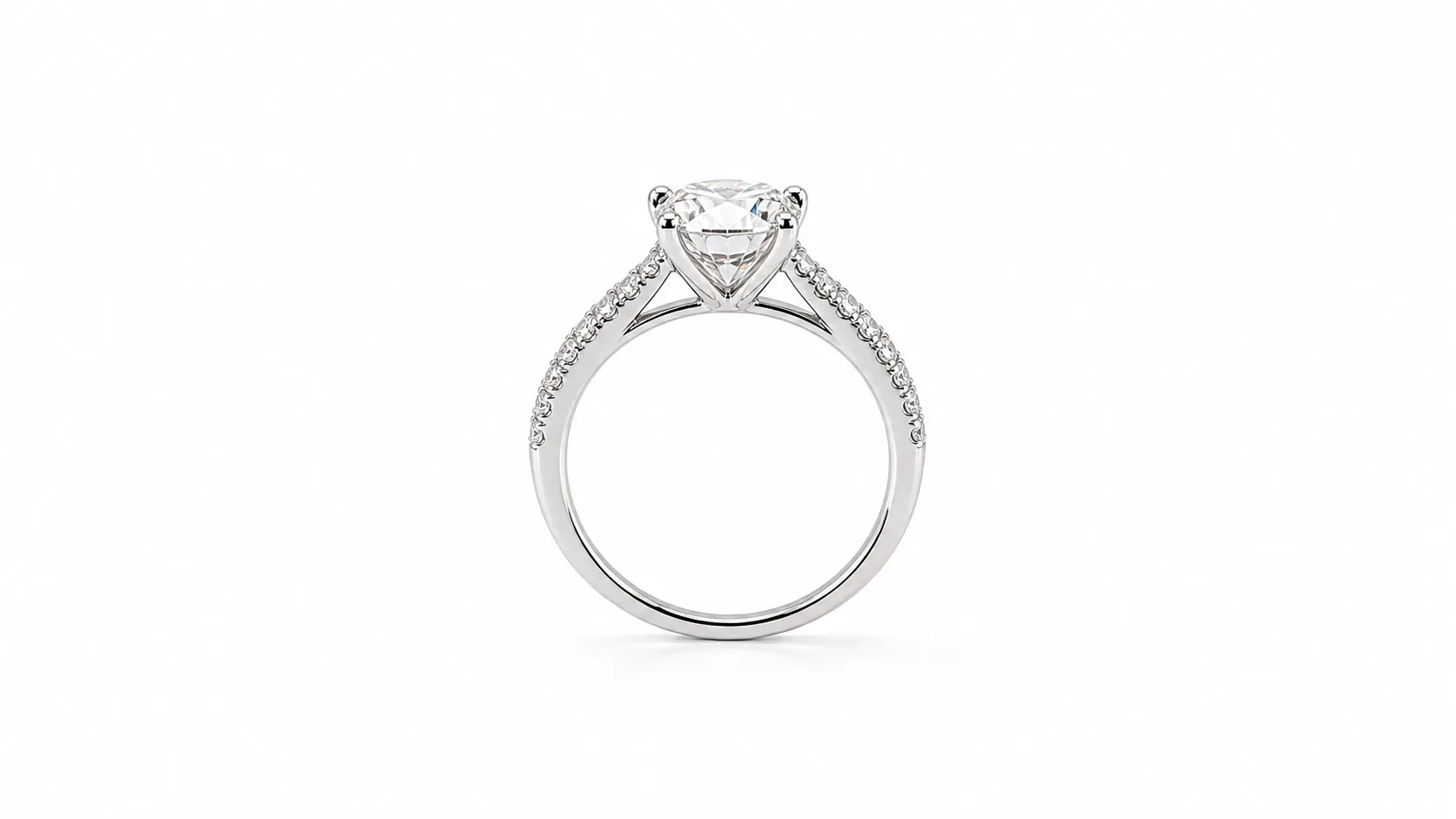
E-commerce giants such as Amazon, Google Shopping, and Walmart require hero listing images to feature a pure, untextured RGB (255, 255, 255) white background. If your background reads as RGB (250, 250, 250) or pale grey, Amazon algorithms may suppress your product listing, and your Shopify collection grids will display disjointed grey bounding boxes.
However, blasting a white sweep with excessive light causes edge halation—a optical defect where background flare spills around the perimeter of the ring, eating into delicate prongs and washing out edge contrast.
The Two-Zone Exposure Protocol
Achieving true RGB 255 white while preserving tack-sharp metal prongs requires separating foreground product lighting from background illumination:
- Elevate the Ring on a Transparent Riser: Place the ring on a clean sheet of optical glass or clear acrylic elevated 6 to 12 inches above your white sweep or backlit light table. This physical separation prevents background light from wrapping around the metal.
- Meter the Subject First: Turn off your background light. Meter your key strobes to expose the ring perfectly at f/13, 1/125s, and ISO 100.
- Engage the Backlight (The 1.5-Stop Rule): Turn on the background strobe aimed at your white sweep beneath the glass. Meter the background so that it reads exactly 1.0 to 1.5 stops brighter than your subject exposure. If your foreground is f/13, your background should meter at f/18 to f/20.
- Preserve the Contact Shadow: Never float a ring in pure empty space without a grounding shadow; floating jewelry looks artificial and cheap to consumers. By angling a small fill card slightly above the ring, you create a subtle, natural contact shadow directly beneath the wax anchor on the glass surface.
6. Luxury Dark-Set & Low-Key Styling
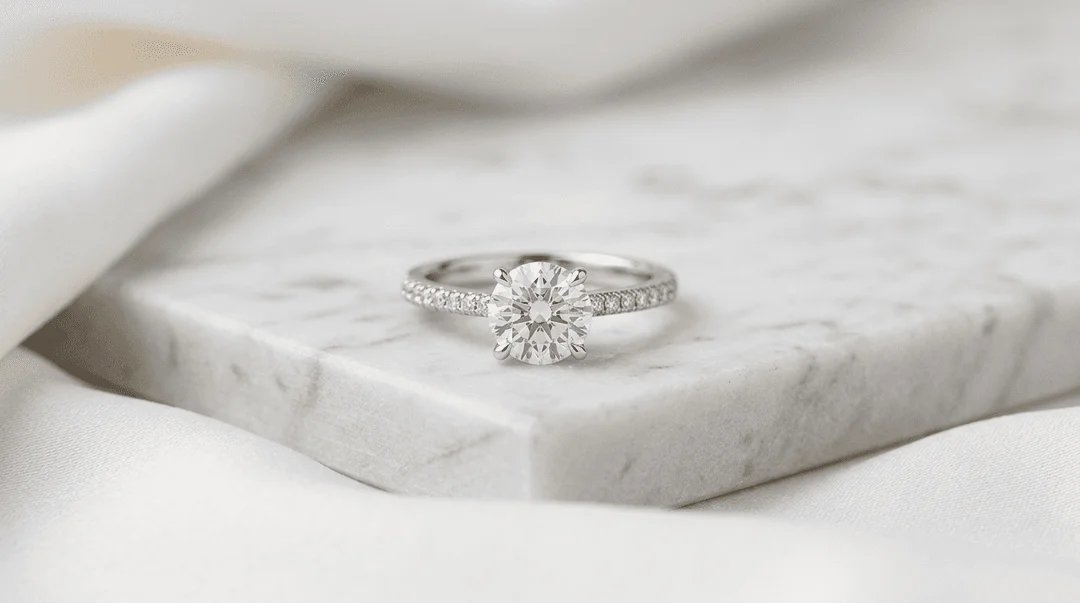
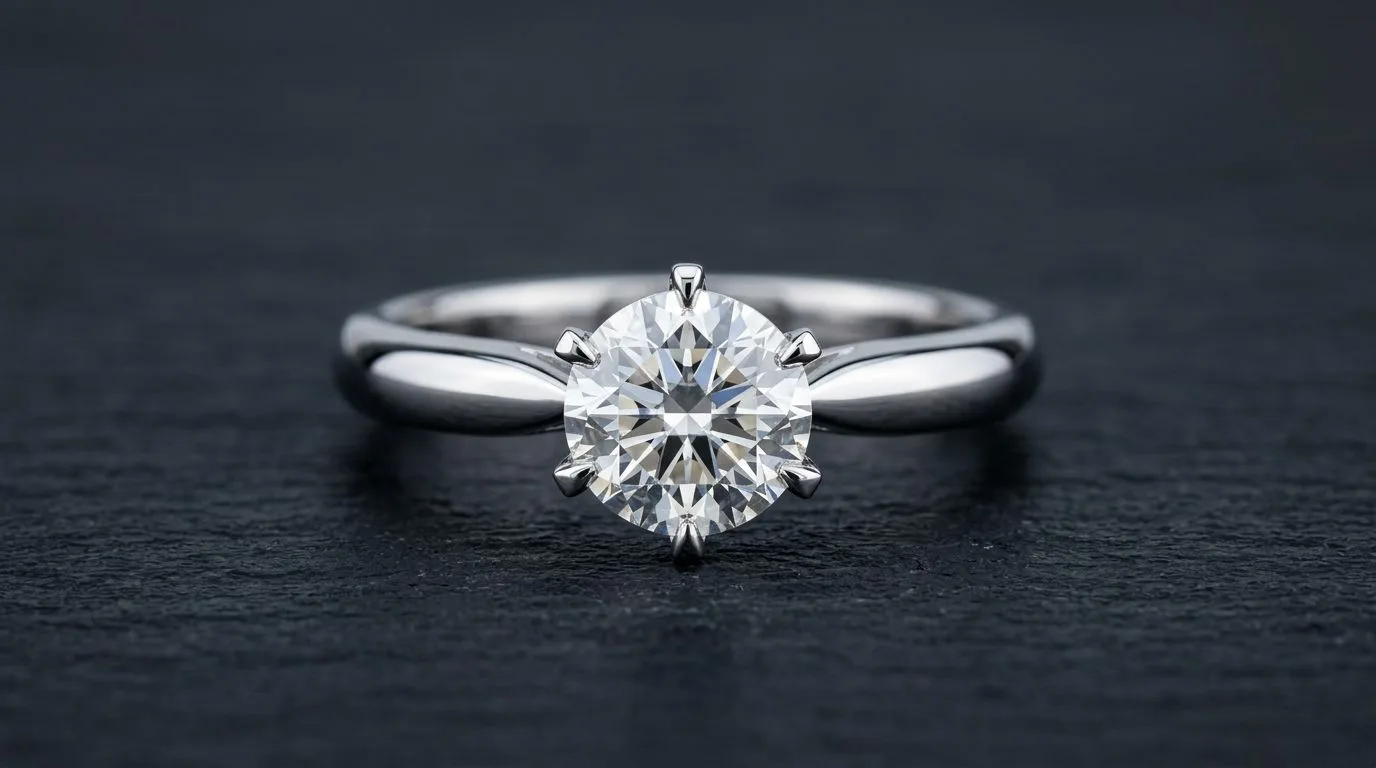
While white packshots are required for e-commerce search grids, luxury jewelry brands rely on dark, high-contrast imagery for hero banners, Instagram feeds, and editorial advertising. Low-key photography evokes exclusivity, sophistication, and heirloom quality. Deep charcoal and black sets absorb stray light, allowing diamond fire and high-polish gold to gleam with dramatic brilliance.
Surface Selection for Dark Sets
Avoid plain black paper; it looks flat, cheap, and shows every speck of dust. Instead, select rich, tactile surfaces:
- Honed Black Slate: Provides subtle organic texture that contrasts against high-polish gold.
- Nero Marquina Marble: Deep black marble with delicate white calcite veins provides a timeless architectural aesthetic.
- Charcoal Cast Concrete & Volcanic Basalt: Adds an industrial, modern feel for contemporary men's wedding bands and minimalist silver rings.
The Raking Light Technique
In low-key studio lighting, light the subject from the side rather than the front:
- Position a single narrow stripbox (12×36 inches) equipped with a honeycomb grid low to the table surface, aimed across the ring from a 90-degree side angle.
- The raking angle skims across the metal surface, catching the top facets of prongs and the outer rim of the band while letting the rest of the set fall into deep shadow.
- Position a black velvet flag on the opposite side to absorb bounce light, creating deep contrast and dramatic dimensionality.
7. On-Hand & Scale Photography
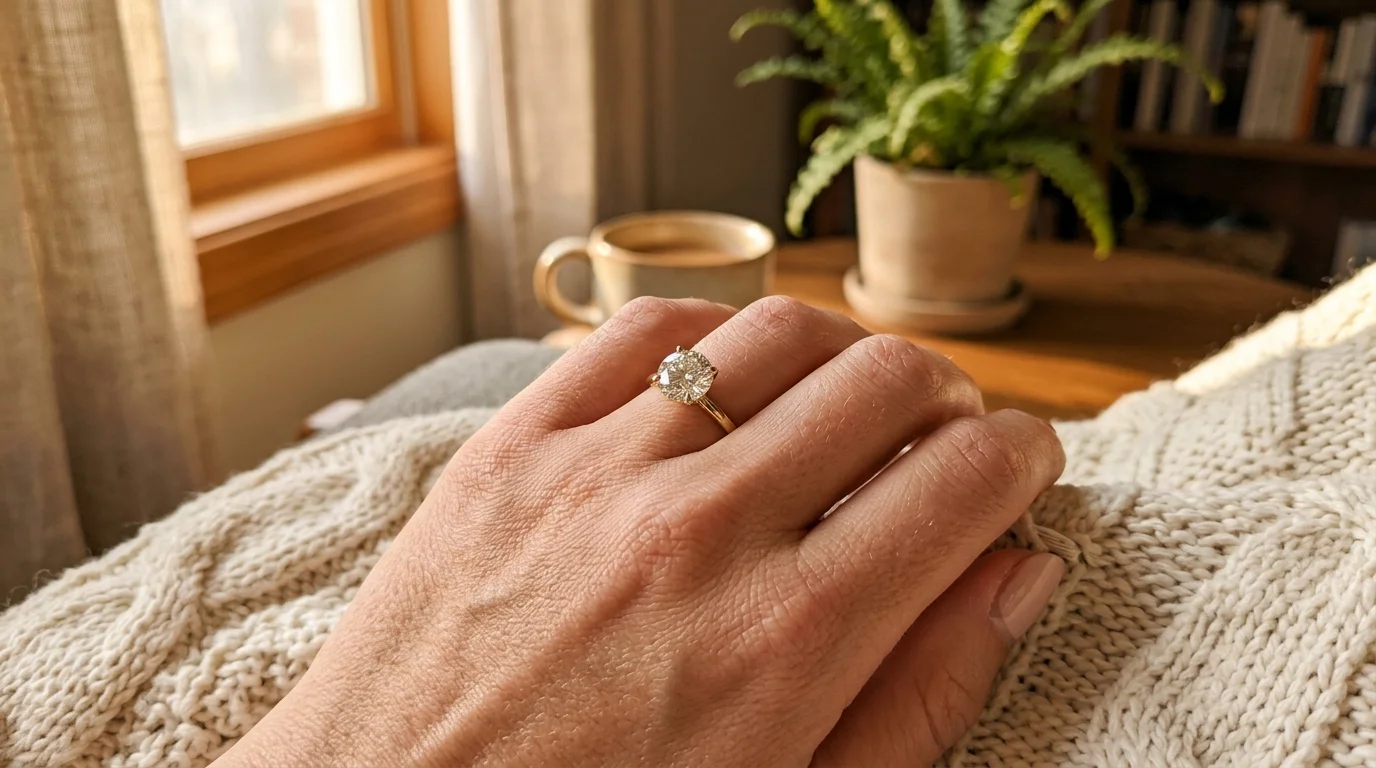
The biggest conversion killer in online jewelry sales is scale doubt. Customers viewing a high-magnification macro packshot cannot tell whether a center stone is 0.5 carats or 3.0 carats, or how wide a 2mm pavé band will look on a human finger. Without a scale reference, buyers hesitate, leading to abandoned carts and high return rates.
Macro packshots build desire; on-hand photography removes doubt. Every high-converting ring product detail page (PDP) must pair a macro studio packshot with an on-hand scale photograph.
Best Practices for Hand Modeling
- Posing for Elegance: Avoid stiff, claw-like poses or flat hands pressed against a table. Have the model relax their fingers in a soft, natural curve, resting lightly on neutral raw linen, silk, or the lapel of a tailored blazer.
- Skin and Cuticle Care: At macro focal lengths, every dry cuticle and skin flake is magnified. Apply jojoba oil to cuticles 30 minutes before shooting, blotted with a tissue to eliminate distracting oil sheen.
- Lighting Hand Shots: Use a large 90cm octabox positioned at a 45-degree angle above the hand. Soft, wrapping light minimizes skin pores and blemishes while creating gentle reflections across the metal ring band. Shoot at f/5.6 or f/8 with a shutter speed of 1/200s to eliminate hand micro-tremors.
8. Post-Production & Retouching Pipeline
Even in a cleanroom studio, ring photography requires meticulous post-production. At 1:1 macro magnification, perfection in-camera is a myth: airborne lint settles continuously, holding wax must be removed, and depth of field must be synthesized across multiple exposures.
The 6-Step Retouching Workflow
[RAW Capture: 10-15 Focus Slices]
        ↓
Step 1: Lens Correction & Chromatic Aberration Defringing
        ↓
Step 2: Focus Stack Synthesis (Helicon Focus / Photoshop Auto-Blend)
        ↓
Step 3: Base Cleanup (Cloning Wax, Micro-Dust & Fingerprint Oils)
        ↓
Step 4: Frequency Separation (Smoothing Metal Tone on LF / Preserving Hallmarks on HF)
        ↓
Step 5: Color Calibration & Karat Tone Normalization (14K vs 18K vs Platinum)
        ↓
Step 6: Facet Dodging & Burning (Enhancing Gemstone Fire & Contrast)
- RAW Processing: Import RAW files into Capture One or Adobe Camera Raw. Enable lens profile corrections to eliminate barrel distortion. Under chromatic aberration controls, perform manual defringing to eliminate purple and green fringing along high-contrast prong edges.
- Focus Stack Assembly: Align and blend your 10 to 15 exposures in specialized software like Helicon Focus (Method B Depth Map) or Photoshop (Edit > Auto-Align Layers, then Auto-Blend Layers with Stack Images checked). Inspect prongs and facet junctions at 100% zoom to clean up any optical ghosting artifacts.
- Base Cleanup: Using the Spot Healing Brush and Clone Stamp tools set to "Current & Below", remove the holding wax at the base of the shank. Meticulously clean airborne dust particles, microfiber lint, and minor metal hairline scratches.
- Frequency Separation: Split the image into two layers: High Frequency (containing fine metal texture, prong contours, and hallmark stamps) and Low Frequency (containing color and lighting gradients). Use a soft mixer brush on the Low Frequency layer to smooth out jagged, uneven reflection gradients across the shank while keeping metal edges razor-sharp on the High Frequency layer.
- Karat Tone Calibration: Calibrate the metal hue. Use Selective Color adjustments to ensure 18K yellow gold displays a rich, warm champagne yellow without brassy green casts, and platinum displays pure, crisp neutral tones.
- Gemstone Contrast Grading: Create a Curves adjustment layer with an inverted black mask. Paint with a white brush over diamond crown facets to dodge (brighten) high-fire highlights, while burning (darkening) deep pavilion reflection facets to maximize internal brilliance and contrast.
9. Accelerating the Workflow with AI
Manual studio ring photography produces breathtaking results, but it is slow and expensive. A professional half-day jewelry shoot costs between $1,500 and $4,000 and yields only 5 to 10 completed SKUs. For emerging jewelry brands, custom jewelers, and direct-to-consumer retailers dropping dozens of new ring designs each season, this operational bottleneck limits agility and eats away profit margins.
This is where AI-assisted photography transforms jewelry production. By capturing a single clean, high-resolution base macro shot of your physical ring, you can generate an entire multi-asset visual marketing catalog in minutes using Hylo.
Generating Catalog Packs with Hylo
- The Clean Base Shot: Photograph your ring once on a plain white or neutral surface using a smartphone or mirrorless camera. Ensure the ring is sharp and evenly lit.
- Hylo AI Photoshoot: Upload the base capture into Hylo. Choose your desired visual theme:
- On-Model Hands: Instantly place the ring on diverse, perfectly manicured hands in natural editorial settings, choosing skin tone, hand pose, and lifestyle context without hiring hand models.
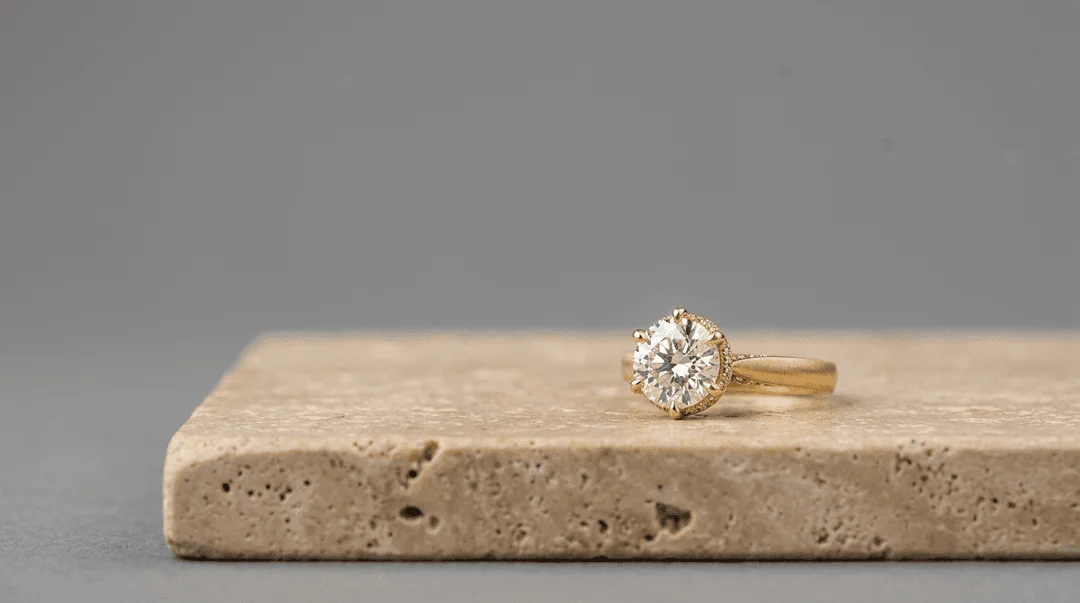
- Luxury Studio Sets: Place the ring on black marble plinths, travertine stone, or styled ring boxes with ray-traced shadow realism.
- Pure White Packshots: Isolate the ring on flawless RGB 255 pure white backgrounds with natural, realistic contact drop shadows.
- Hylo AI Retouch: Automatically remove holding wax, dust particles, and unwanted room reflections from your physical captures in 60 seconds, preserving prongs, gemstone facets, and metal hallmarks with absolute physical fidelity.
10. Frequently Asked Questions
What camera settings should I use to photograph a ring?
For sharp, professional results, shoot in Manual mode at ISO 100 to eliminate digital noise, an aperture of f/11 to f/16 to balance sharpness against diffraction, and a shutter speed of 1/125s synced to studio strobes. Always set a custom white balance at 5500K using an 18% neutral grey card to ensure exact metal color reproduction.
Do I really need a dedicated macro lens for ring photography?
Yes. Standard zoom or prime lenses cannot focus close enough to fill the frame with a ring without digital cropping, which severely degrades resolution. A dedicated telephoto macro lens with a true 1:1 reproduction ratio (such as a 90mm or 105mm macro) enables you to capture microscopic prong and gemstone details while maintaining enough working distance to position studio lights effectively.
How do I make diamonds sparkle in photos?
Soft, diffused light wraps metal in smooth reflections but kills diamond sparkle by eliminating contrast. To ignite brilliant diamond fire, add an undiffused, hard point-light (such as an LED snoot or a bare flash with a grid) aimed directly at the diamond crown table. The hard light refracts through the pavilion facets, creating sharp prismatic fire and scintillation.
Why does my silver or platinum ring look dark or black in photos?
Precious metals act like curved mirrors. If a silver, white gold, or platinum ring looks black in your images, it is reflecting dark areas in your room, your light stands, or your own dark clothing. Enclose the ring inside a translucent white diffusion cone or surround it with white foamcore bounce cards so the metal only reflects bright, clean surfaces.
What is focus stacking and why is it essential for ring photography?
At true 1:1 macro magnification, depth of field is razor-thin—often less than a single millimeter—even at narrow apertures like f/11. Focus stacking is the technique of taking 10 to 15 photographs while incrementally shifting the focus point from the front prong to the back of the band, then blending the sharpest portions of each frame together in software like Helicon Focus or Photoshop to achieve edge-to-edge sharpness.
How do I get a ring to stand upright for photography?
Roll a pinhead-sized speck of neutral white holding wax or museum putty and place it directly on the bottom curve of the ring shank. Press the ring gently onto your shooting platform so the wax flattens out beneath the contact point. Inspect the ring through your camera monitor at 100% zoom to verify that no wax bulges past the band, then clone out the contact footprint in post-production.
How do I achieve a pure white background (RGB 255) for Amazon and Shopify?
Use a two-zone lighting setup: elevate the ring on a clean sheet of glass or clear acrylic riser above a white background sweep. Light the ring independently with your key strobes, then illuminate the white sweep with a background strobe metered to be 1.0 to 1.5 stops brighter than your subject exposure. This guarantees pure RGB (255, 255, 255) pixels without causing edge halation around delicate prongs.
Can I take professional ring photos with an iPhone or smartphone?
Modern smartphones with ProRAW capabilities (such as the iPhone 15/16 Pro) can capture impressive ring photos if you place the phone on a sturdy tripod, lock exposure in Pro mode at low ISO, and shoot inside a well-lit diffusion tent. However, smartphones suffer from digital sharpening artifacts and lack optical depth of field control compared to full-frame macro systems. Pairing a basic phone capture with Hylo AI Photoshoot bridges this gap, transforming a mobile photo into a studio-grade asset.
How do I photograph an engagement ring on a hand without distracting skin flaws?
Use a large 90cm softbox positioned at a 45-degree angle to create soft, wrapping illumination that minimizes skin pores and blemishes. Have the model apply light cuticle oil 30 minutes prior to shooting, and pose the fingers in a relaxed, gentle arch resting on neutral linen rather than a rigid flat pose. Shoot at f/5.6 or f/8 with a 90mm macro lens to keep the ring tack-sharp while softly blurring the background.
How can jewelry brands scale ring photography across large collections?
Manual studio photography takes 30 to 45 minutes per ring when accounting for cleaning, wax positioning, lighting adjustments, focus stacking, and retouching. High-volume jewelry brands scale production by taking a single clean base capture of each SKU and using Hylo to automatically generate pure white packshots, creative flat lays, and on-model hand lifestyle imagery in seconds.